As the demand for IPv4 addresses continues to grow, ensuring the legitimacy of any transaction is crucial for both buyers and lessees. Verifying IPv4 ownership protects you from fraud, ensures compliance with regulatory requirements, and provides peace of mind in an often complex marketplace. This guide will walk you through the key steps to confirm IPv4 ownership before leasing or purchasing addresses.
The IPv4 address market is a multi-billion-dollar industry. Unfortunately, it is also prone to scams, including unauthorized sales, phishing schemes, and misrepresentation. Verifying ownership helps you:
Skipping this verification step could lead to complications, such as disputes or unusable IP blocks.
The first step in verification is to request documentation from the seller or lessor. Valid proof of ownership typically includes:
If the seller cannot provide clear documentation, this is a red flag, and you should proceed with caution.
Each IPv4 address is assigned and managed by one of five Regional Internet Registries (RIRs):
Use the appropriate RIR’s WHOIS database to check the ownership records for the IPv4 address block. Simply input the address range to access details about the current registered owner, including:
Before leasing or buying an IPv4 block, assess its history using IP reputation tools. These tools can identify whether the block has been blacklisted or used for malicious purposes like spam or fraud. Red flags in the block’s reputation could indicate mismanagement by the current owner.
Popular tools include:
For added security, consider working with a reputable IPv4 broker. Brokers specialize in facilitating legitimate transactions and often have pre-vetted lists of IPv4 blocks. They can handle ownership verification, reducing the risk of fraud. Ensure the broker is accredited by your regional RIR for added reliability.
If you’re purchasing an IPv4 block, the transfer must be approved by the relevant RIR. Check that the seller is eligible to transfer the block and that the RIR’s policies are being followed. This step ensures the ownership transfer will be officially recognized.
Always formalize transactions with a legally binding contract that specifies ownership details, the transfer process, and any conditions. For financial protection, use an escrow service to hold funds until ownership verification is complete.
Watch for warning signs, including:
If you encounter any of these, reconsider the transaction or seek professional guidance.
Verifying IPv4 ownership is a critical step in leasing or purchasing IP address blocks. By following these steps—requesting proof, using RIR databases, and leveraging expert brokers—you can ensure a safe and legitimate transaction. In a market fraught with complexities, due diligence is your best defense against fraud and financial loss.
Take the time to verify ownership, and you’ll secure the IPv4 resources your business needs with confidence and peace of mind.

Alexander Timokhin
COO

A Beginner’s Guide to Subnetting IPv4 and IPv6 Addresses Subnetting is a critical

Why IPv4 Leasing Is Becoming the Smart Choice for Businesses in 2025 1. Introduction
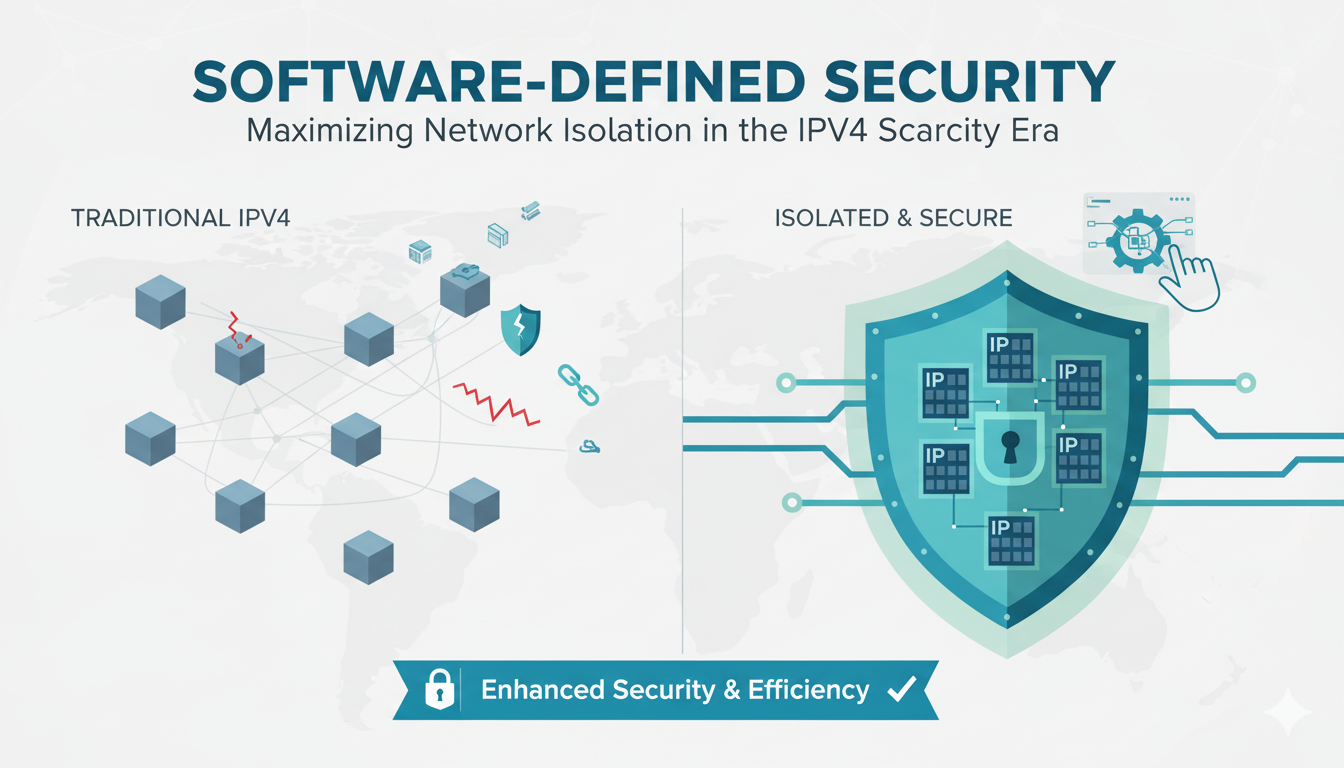
As CEO of InterLIR, I’ve witnessed firsthand how network isolation strategies

What is an ASN? ASN stands for Autonomous System Number. It is a unique identifier

Anycast DNS: A Leader’s Guide to Protecting Your Digital Infrastructure Executive

RPKI Certification: A Leader’s Guide to Internet Routing Security Executive

Executive Summary: What You Need to Know 🎯 Strategic Importance – Internet

When AWS DynamoDB failed in October 2025, thousands of businesses discovered that

Executive Summary: What You Need to Know 🎯 IP reputation directly impacts your
Live chat is provided by Intercom and is loaded only after you enable it. You can also contact us without enabling the chat.