A MAC address is a 12-digit hexadecimal number, typically represented as six groups of two hexadecimal digits. These addresses are assigned to network interfaces at the time of manufacturing and are used in most IEEE 802 networking technologies, including Ethernet, Wi-Fi, and Bluetooth. The primary purpose of a MAC address is to ensure that each node on a network has a unique identifier, allowing for efficient data transmission.
While both MAC and IP addresses are crucial for network communication, they serve different purposes and operate at different layers within the OSI model.
| Feature | MAC Address | IP Address |
| Purpose | Identifies a device on a local network | Identifies a device’s network connection |
| Type | Hardware-based, physical address | Software-based, logical address |
| Assignment | Provided by the NIC manufacturer | Assigned by a network administrator or DHCP |
| OSI Layer | Data link layer | Network layer |
| Changeability | Usually fixed, but can be changed | Can be static or dynamic |
Technically, a MAC address can be changed or “spoofed” through software, despite being a hardware-based identifier. This feature is useful for various purposes, including enhancing security or bypassing access controls. However, changing a MAC address should be approached with caution due to legal and ethical considerations.
Finding your MAC address varies based on your device’s operating system. For example, in Windows, you can use the ipconfig /all command in the command prompt, while on macOS, you can find it under System Preferences > Network. Each device, depending on its operating system, offers a method to locate its MAC address, crucial for network setup and troubleshooting.
The primary purpose of a MAC address is network communication within a local network. It ensures that data packets reach the correct destination within the network. In addition to its primary role in addressing, MAC addresses also contribute to network security and device management.
MAC addresses are assigned by the device manufacturers and are stored in the device’s network interface card (NIC). Each device with a NIC, whether it’s a computer, smartphone, or any network-capable device, has at least one MAC address.
It’s common for devices with multiple network interfaces, such as a laptop with both Ethernet and Wi-Fi, to have multiple MAC addresses. Each network interface on a device is assigned a unique MAC address.
MAC addresses are integral to the fabric of network communication, ensuring that each device has a unique identifier for efficient and secure data transfer. Understanding MAC addresses is essential for anyone involved in network management or troubleshooting. As we continue to rely more on interconnected devices, the role of MAC addresses in network communication remains fundamentally important.

Evgeny Sevastyanov
Client Support Teamleader
A Beginner’s Guide to Subnetting IPv4 and IPv6 Addresses Subnetting is a critical

Why IPv4 Leasing Is Becoming the Smart Choice for Businesses in 2025 1. Introduction
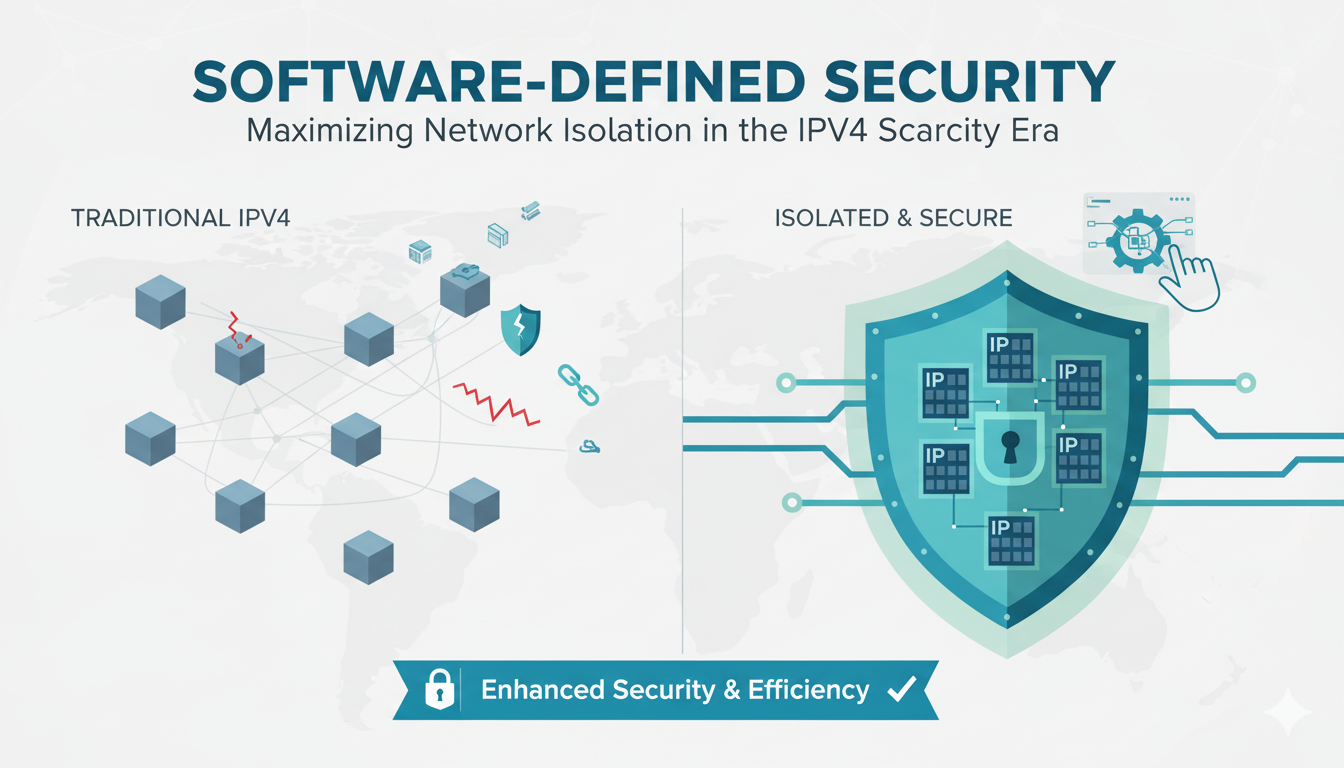
As CEO of InterLIR, I’ve witnessed firsthand how network isolation strategies
What is an ASN? ASN stands for Autonomous System Number. It is a unique identifier

Anycast DNS: A Leader’s Guide to Protecting Your Digital Infrastructure Executive

RPKI Certification: A Leader’s Guide to Internet Routing Security Executive

Executive Summary: What You Need to Know 🎯 Strategic Importance – Internet

When AWS DynamoDB failed in October 2025, thousands of businesses discovered that

Executive Summary: What You Need to Know 🎯 IP reputation directly impacts your
Live chat is provided by Intercom and is loaded only after you enable it. You can also contact us without enabling the chat.