bgunderlay bgunderlay bgunderlay

Mastering AWS-BYOIP: Strategies for Effective Implementation

In today’s cloud-centric world, Amazon Web Services (AWS) offers a powerful feature for businesses seeking enhanced control over their online presence: Bring Your Own IP (BYOIP). 

AWS-BYOIP is a feature that allows organizations to bring their own IP addresses into the AWS environment, particularly for use with Amazon EC2 instances. This approach offers more flexibility and control over IP resources, traditionally managed by AWS.

The Significance of AWS-BYOIP

  1. Custom IP Ranges: Organizations can use their own IP ranges within AWS.
  2. Seamless Transition: Facilitates a smooth migration of services to AWS without changing IP addresses.
  3. Brand Consistency: Maintains IP-related branding and reputation.
  4. Enhanced Control: Offers greater control over IP address usage and management.

Strategies for Effective AWS-BYOIP Implementation

  1. Acquire IP Addresses: Obtain a block of IP addresses either from your network or third-party providers.
  2. Prepare and Provision IPs: Ensure control over the range and authorize Amazon for advertisement.
  3. Onboarding Process:
    • Provisioning Phase:
      • Acquire a block of IP addresses from your on-premises network or through a third-party provider.
      • Prepare and provision your IP addresses by ensuring that you control the address range and authorize Amazon to advertise it.
      • Use the AWS CLI (Command Line Interface) to register the IP address range with AWS.
      • Wait for AWS to verify the IP address range and approve the registration.
    • Advertising Phase:
      • Create an address pool in the AWS console.
      • Allocate Elastic IP addresses from the address pool.
      • Associate the Elastic IP addresses with AWS resources such as EC2 instances, NAT gateways, and Network Load Balancers.
      • Advertise the IP address range by creating a Route Origin Authorization (ROA) with your Regional Internet Registry (RIR).
      • Wait for the ROA to become available to Amazon.
      • Stop advertising the IP address range from other locations to ensure a smooth transition.
  4. Check Regional Availability: Confirm BYOIP availability in your AWS region.
  5. Plan Network Connectivity: Strategize connections between multiple environments.
  6. Develop IP Address Scheme: Create a system to manage IP usage and avoid conflicts.
  7. Monitor and Manage IPs: Regularly oversee your IP addresses for optimal use and security.

Limitations and Considerations

  1. Maximum Ranges: AWS limits five address ranges per region, both for IPv4 and IPv6.
  2. Regional Constraints: AWS has regional constraints that determine which AWS Regions are available to an account. Some AWS services, such as AWS Identity and Access Management (IAM), do not have regional resources, and the account determines the Regions that are available to it. The BYOIP feature is available in all commercial AWS Regions, except for China (Beijing, operated by Sinnet) and China (Ningxia). Additionally, BYOIP is not supported for Wavelength Zones or on AWS Outposts. Some AWS Security Hub features are available in only certain AWS Regions. AWS Control Tower offers two Region deny controls that prohibit access to AWS services based on the AWS Control Tower Region configuration. To enable or disable AWS Regions, you can use the AWS Management Console, AWS CLI, or AWS SDKs. IAM permissions can be used to control access to Regions, and the aws:RequestedRegion condition key can be used to control access to AWS services in an AWS Region. Resource Allocation: Elastic IP addresses created from BYOIP can be used with EC2 instances, NAT gateways, and Network Load Balancers.

Releasing a BYOIP Range in AWS

  1. Release Elastic IP addresses: Before releasing the IP address range, ensure that all Elastic IP addresses associated with the address range are released.
  2. Deregister the IP address range: Deregister the IP address range from AWS by using the AWS CLI deregister-byoip-cidr command.
  3. Notify the RIR: Notify the Regional Internet Registry (RIR) that the IP address range is no longer being used with AWS.
  4. Remove the authorization message: Remove the authorization message from the RIR’s database.

BYOIP vs Traditional AWS IP Management

AspectAWS-BYOIPTraditional AWS IP Management
ControlHigh, with own IP rangesManaged by AWS
FlexibilityBring existing IPs, easier migrationAssigned new AWS IPs
OnboardingComplex, two-phase processSimple, automated assignment
Regional AvailabilityLimited to specific regionsBroad availability

Alexei Krylov Nikiforov

Sales manager

    Ready to get started?

    Articles
    A Beginner’s Guide to Subnetting IPv4 and IPv6 Addresses (2026 Update)
    A Beginner’s Guide to Subnetting IPv4 and IPv6 Addresses (2026 Update)

    A Beginner’s Guide to Subnetting IPv4 and IPv6 Addresses Subnetting is a critical

    More
    IPv4 Leasing Revolution: Why Smart Businesses Are Ditching Ownership in 2025
    IPv4 Leasing Revolution: Why Smart Businesses Are Ditching Ownership in 2025

    Why IPv4 Leasing Is Becoming the Smart Choice for Businesses in 2025 1. Introduction
    More
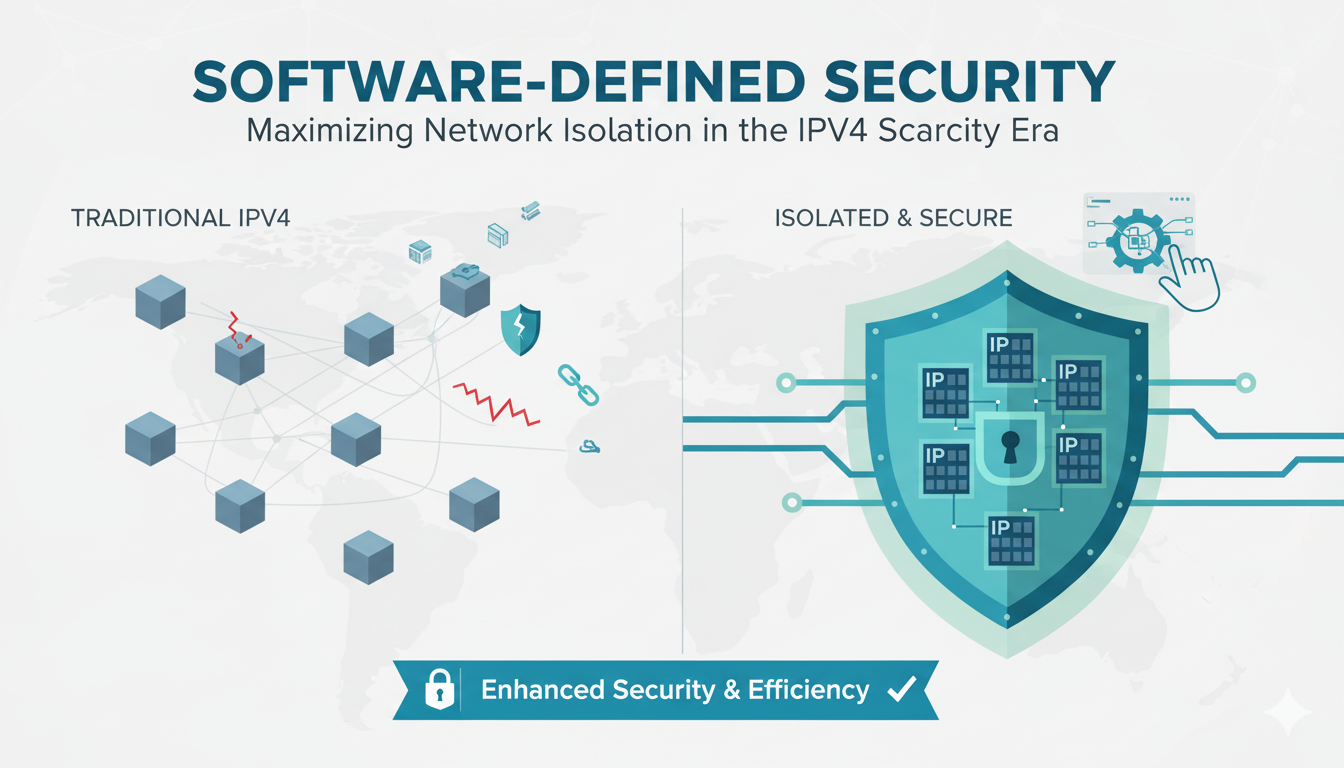
    Network Isolation Revolution: IPv4 Marketplace Insights for Enterprise Security
    Network Isolation Revolution: IPv4 Marketplace Insights for Enterprise Security

      As CEO of InterLIR, I’ve witnessed firsthand how network isolation strategies

    More
    What is ASN?
    What is ASN?

    What is an ASN? ASN stands for Autonomous System Number. It is a unique identifier

    More
    How Anycast DNS Actually Works (And Why Your Network Needs It)
    How Anycast DNS Actually Works (And Why Your Network Needs It)

    Anycast DNS: A Leader’s Guide to Protecting Your Digital Infrastructure Executive

    More
    Why RPKI Matters: Securing Your Company’s Internet Traffic
    Why RPKI Matters: Securing Your Company’s Internet Traffic

    RPKI Certification: A Leader’s Guide to Internet Routing Security Executive

    More
    Why RIPE Address Policy Matters for Your Company’s Digital Future
    Why RIPE Address Policy Matters for Your Company’s Digital Future

    Executive Summary: What You Need to Know 🎯 Strategic Importance – Internet

    More
    AWS Outages: The CEO’s Guide to Preventing Downtime & Protecting Revenue
    AWS Outages: The CEO’s Guide to Preventing Downtime & Protecting Revenue

      When AWS DynamoDB failed in October 2025, thousands of businesses discovered that

    More
    What I Wish CEOs Knew About Managing IP Reputation Risk
    What I Wish CEOs Knew About Managing IP Reputation Risk

    Executive Summary: What You Need to Know 🎯 IP reputation directly impacts your

    More
    How to Create a Subnet and Configure Routing
    How to Create a Subnet and Configure Routing

    Mastering Subnetting and Routing for Modern Networks Why Subnetting Matters in Today’s

    More