A Virtual Private Network (VPN) allows users to establish a secure connection to another network over the internet. It enables secure data transfer and disguises the user’s online identity by encrypting internet traffic and hiding the IP address. This is achieved through a client-server model, where the client (user) connects with the server (the VPN server) via a secure tunnel, and the server is responsible for setting up and maintaining the secure tunnel through which data is transferred. VPNs are commonly used to access company networks securely, protect sensitive data, and browse the internet anonymously. They also offer end-to-end encryption to prevent cybercriminals from intercepting and stealing data. Additionally, VPNs can be used to bypass geo-restrictions and access content that is limited to specific regions.

There are several types of VPNs available, each serving different purposes. The main types of VPNs include:
Each type of VPN serves different needs, so the choice of VPN type depends on the specific requirements of the user or organization.
When choosing a VPN service, consider the following factors:
When comparing VPN services, it’s essential to consider factors such as security, speed, server network, customer support, and reputation to choose the one that best suits your specific needs.
Feature | ExpressVPN | NordVPN | Surfshark |
Speed | Good | Fastest | Not as fast as NordVPN |
Pricing | Higher | Moderate | Cheapest |
Server Locations | 2000+ servers in 94 countries | – | 3200+ servers in 100 countries |
Security and Privacy | Top-level protection | Similar setup to Surfshark and ExpressVPN | Similar setup to NordVPN and ExpressVPN |
Simultaneous Connections | Up to 5 devices | Up to 6 devices | Unlimited devices |
Streaming and Torrenting | Capable for both | Capable for both | Capable for both |

Evgeny Sevastyanov
Client Support Teamleader

A Beginner’s Guide to Subnetting IPv4 and IPv6 Addresses Subnetting is a critical

Why IPv4 Leasing Is Becoming the Smart Choice for Businesses in 2025 1. Introduction
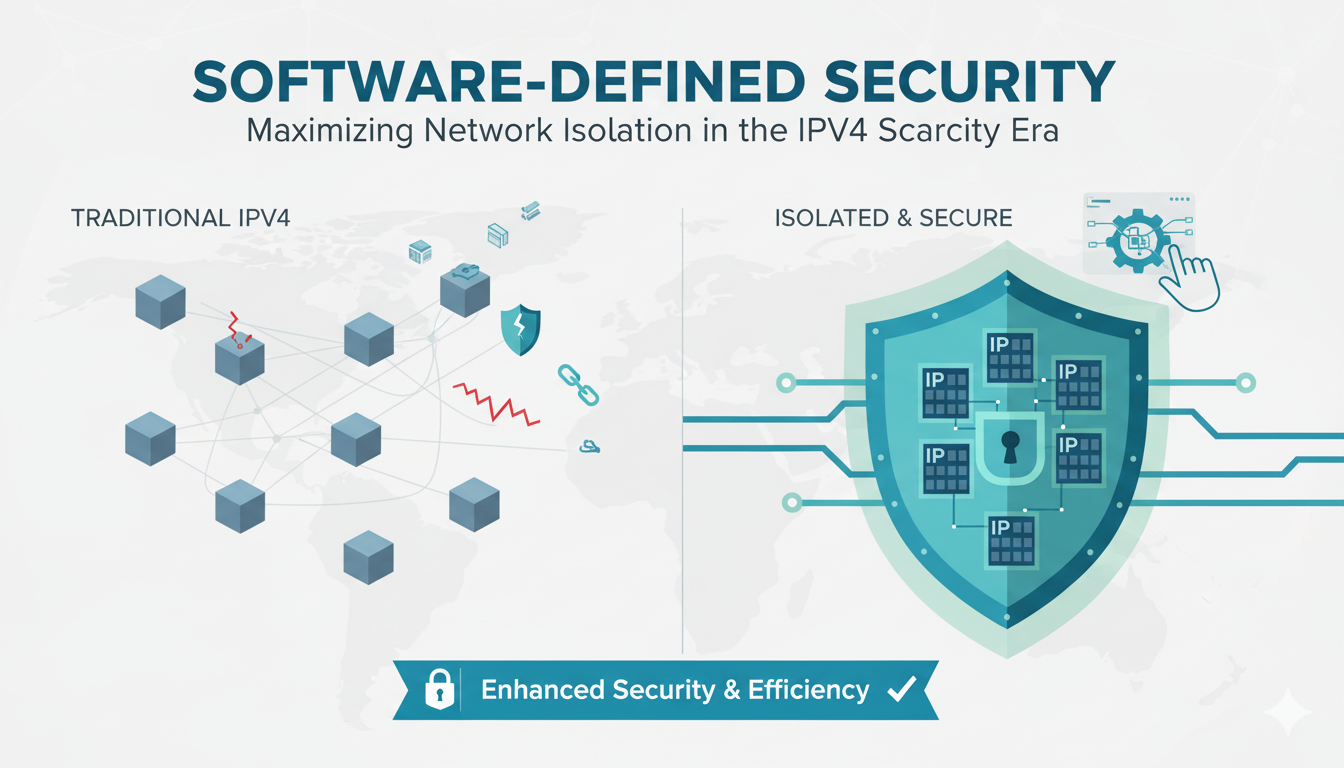
As CEO of InterLIR, I’ve witnessed firsthand how network isolation strategies

What is an ASN? ASN stands for Autonomous System Number. It is a unique identifier

Anycast DNS: A Leader’s Guide to Protecting Your Digital Infrastructure Executive

RPKI Certification: A Leader’s Guide to Internet Routing Security Executive

Executive Summary: What You Need to Know 🎯 Strategic Importance – Internet

When AWS DynamoDB failed in October 2025, thousands of businesses discovered that

Executive Summary: What You Need to Know 🎯 IP reputation directly impacts your
Live chat is provided by Intercom and is loaded only after you enable it. You can also contact us without enabling the chat.