General IP address queries refer to a type of message used in the Internet Group Management Protocol (IGMP), which is a TCP/IP network layer protocol. These queries are used for informing routers of the availability of multicast groups on the network. By default, the source IP address of IGMP general queries is the IP address of the current VLAN interface. Routers send these general queries to determine which hosts belong to multicast groups on the network segment. The IANA has assigned 224.0.0.1 as a general query address for IGMP version 1. The source IP address for IGMP general queries can be configured to avoid issues related to the default address. The purpose of these queries is to manage multicast group membership within a network.

To configure the source IP addresses for IGMP messages in a VLAN, you can use the following syntax:
interface vlan <vlan-id>
ip address <ip-address> <subnet-mask>
vlan <vlan-id>
igmp-snooping general-query source-ip <ip-address>
vlan <vlan-id>
igmp-snooping report source-ip <ip-address>
These commands allow you to set the source IP addresses for various types of IGMP messages in a specific VLAN on Cisco and HPE switches.
To troubleshoot IGMP issues in a VLAN, you can follow the guidelines and commands from the search results:
To verify if IGMP snooping is enabled on a VLAN interface, you can use the following commands:
display igmp-snooping vlan <vlan-id> configuration
ip igmp snooping vlan enable
By using these commands, you can verify the IGMP snooping configuration on the respective switch platforms.
The command to disable IGMP snooping on a VLAN interface varies depending on the device. Here are the commands for different platforms:
no ip igmp snooping vlan <vlan-id>
undo igmp-snooping enable
By using these commands, you can disable IGMP snooping on the specified VLAN for Cisco and H3C devices.

Evgeny Sevastyanov
Client Support Teamleader

A Beginner’s Guide to Subnetting IPv4 and IPv6 Addresses Subnetting is a critical

Why IPv4 Leasing Is Becoming the Smart Choice for Businesses in 2025 1. Introduction
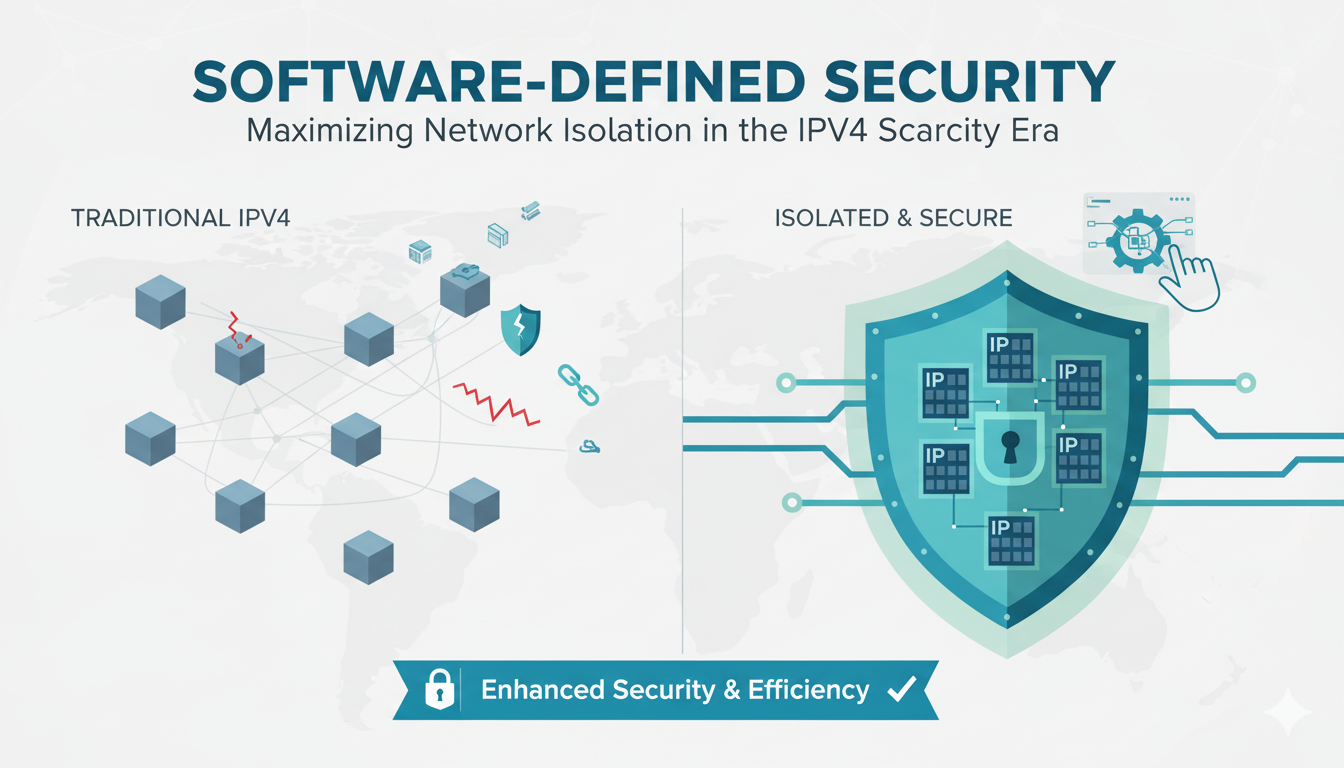
As CEO of InterLIR, I’ve witnessed firsthand how network isolation strategies

What is an ASN? ASN stands for Autonomous System Number. It is a unique identifier

Anycast DNS: A Leader’s Guide to Protecting Your Digital Infrastructure Executive

RPKI Certification: A Leader’s Guide to Internet Routing Security Executive

Executive Summary: What You Need to Know 🎯 Strategic Importance – Internet

When AWS DynamoDB failed in October 2025, thousands of businesses discovered that

Executive Summary: What You Need to Know 🎯 IP reputation directly impacts your
Live chat is provided by Intercom and is loaded only after you enable it. You can also contact us without enabling the chat.