In an era where digital footprints are closely monitored and personalized, the ability to change one’s IP address has become an essential tool for many internet users. The IP address, a unique identifier assigned to each device on a network, not only reveals your location but can also provide insights into your online behavior. This article delves into the various reasons why individuals and organizations might seek to change their IP addresses.
The significance of changing IP addresses extends across several domains, primarily focusing on privacy, security, and the ability to access content restricted to specific geographical locations. From a privacy standpoint, changing an IP address helps mask one’s online activities from potential snoopers, ranging from hackers to intrusive marketing agencies. For security, it adds an extra layer of defense against cyber threats, especially important in an age where digital data is a valuable commodity.
Moreover, in the context of accessing geo-restricted content, changing an IP address becomes a crucial tool. Various online services and websites limit their content to specific regions. By changing their IP address, users can bypass these geo-restrictions, accessing a wider range of information, entertainment, and services that would otherwise be inaccessible from their real location. This capability is not just a matter of convenience but also of necessity for some, especially those living in regions with stringent internet censorship or travelers who need access to content from their home country.
Changing IP addresses serves several purposes, all vital in today’s digital landscape:
| VPN Service | Server Count | Avg Speed (Mbps) | Popular Sites Unblocked | Supported Devices | Best Deal (Per Month) |
| NordVPN | 5,700+ | 100+ Mbps | 95% | Windows, MacOS, iOS, Android, Linux | $3.39 |
| Surfshark | 3,200+ | 100+ Mbps | 88% | Windows, MacOS, iOS, Android, Linux, Amazon Fire TV | $1.99 |
| ExpressVPN | 7,000+ | 100+ Mbps | 86% | Windows, MacOS, iOS, Android, Linux, Smart TVs, Routers | $6.67 |
| CyberGhost | 2,200+ | 100+ Mbps | 85% | Windows, MacOS, Linux, iOS, Android, Smart TVs, Routers | $2.11 |
| IPVanish | 2,000+ | 100+ Mbps | 70% | Windows, MacOS, iOS, Android | $2.99 |
Changing IP addresses can offer enhanced privacy, overcome censorship, and provide access to geo-restricted content. While VPNs are the most comprehensive solution, proxies and Tor also offer means for IP address change, each with their specific advantages and limitations. Users should choose the method that best fits their needs, considering factors such as speed, security, and the type of content they wish to access.
Changing your IP address can enhance privacy, overcome censorship, and provide access to geo-restricted content. The choice between free and paid VPN services depends on your specific requirements and usage patterns. Always prioritize security and privacy, and ensure you’re aware of the legal and ethical implications of using such services.

Alexey Shkittin
CEO
A Beginner’s Guide to Subnetting IPv4 and IPv6 Addresses Subnetting is a critical
Why IPv4 Leasing Is Becoming the Smart Choice for Businesses in 2025 1. Introduction
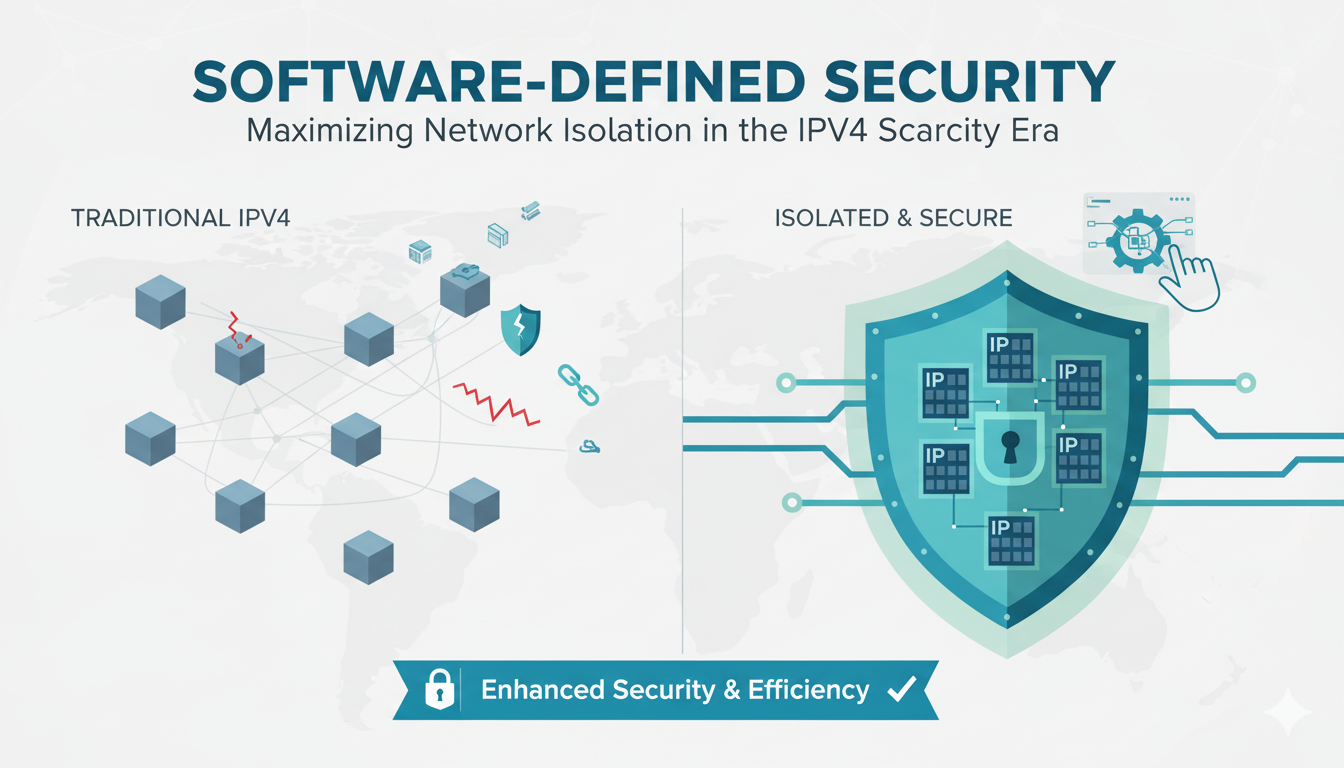
As CEO of InterLIR, I’ve witnessed firsthand how network isolation strategies
What is an ASN? ASN stands for Autonomous System Number. It is a unique identifier

Anycast DNS: A Leader’s Guide to Protecting Your Digital Infrastructure Executive
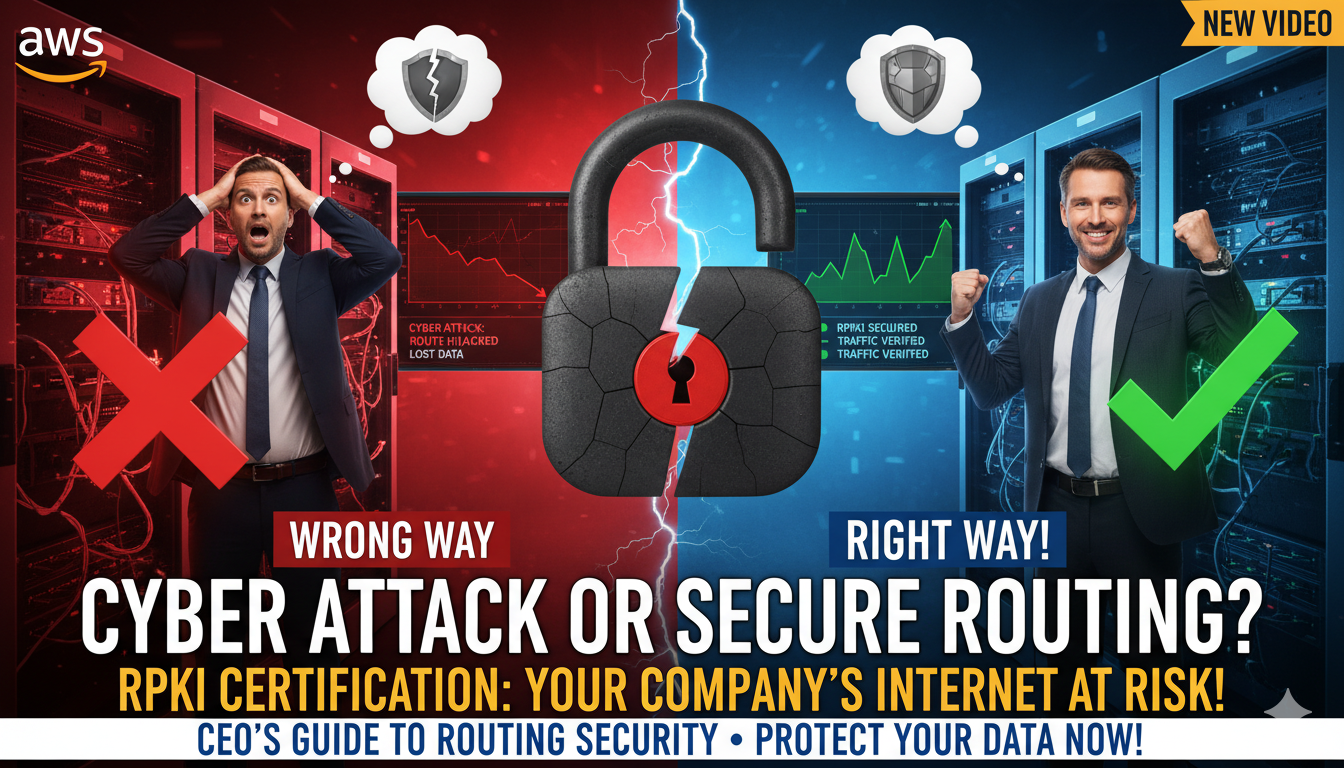
RPKI Certification: A Leader’s Guide to Internet Routing Security Executive

Executive Summary: What You Need to Know 🎯 Strategic Importance – Internet

When AWS DynamoDB failed in October 2025, thousands of businesses discovered that

Executive Summary: What You Need to Know 🎯 IP reputation directly impacts your
Live chat is provided by Intercom and is loaded only after you enable it. You can also contact us without enabling the chat.